
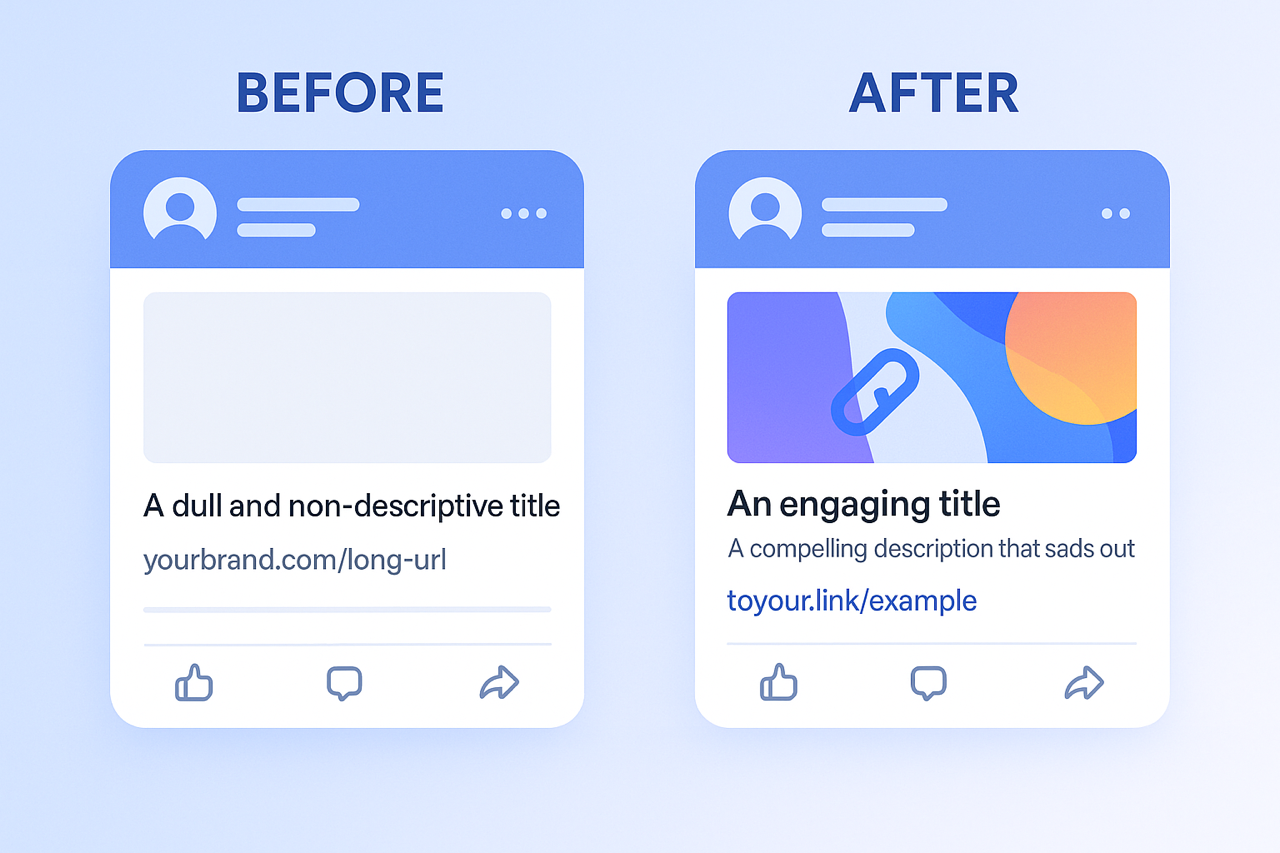
When you share a link on social media platforms like Facebook, X (formerly Twitter), LinkedIn, or Pinterest, these platforms automatically try to generate a preview – typically an image, a title, and a short description of the linked content. While this is helpful, the auto-generated preview isn't always perfect. It might pull the wrong image, an uninspiring snippet of text, or a truncated title, ultimately failing to do your content justice. With To Your Link, you can often take control of this crucial first impression, ensuring your shared links always look their best and drive maximum engagement.
Imagine having the power to dictate exactly what image, headline, and summary appear alongside your link every time it's posted on social media. To Your Link, leveraging the advanced capabilities of platforms like Gempixel, often provides functionality to set custom social media meta tags (such as Open Graph tags for Facebook and LinkedIn, or Twitter Card data) for each of your short links. This means instead of leaving it to chance, you choose the compelling visual and persuasive text that will represent your content, ensuring it aligns perfectly with your campaign goals and brand identity.
Customizing your link previews offers several significant advantages for your social media strategy:
- Increased Click-Through Rates (CTR): A visually appealing image combined with a relevant, attention-grabbing title and description is far more likely to entice users to click.
- Enhanced Brand Consistency: Ensure the preview visuals and messaging are perfectly aligned with your brand's style guide and current campaigns.
- Clearer Context & Expectations: Provide an accurate and engaging summary of what users will find when they click, reducing bounce rates from mismatched expectations.
- Optimized Visual Appeal: Avoid poorly cropped, low-resolution, or irrelevant images that can make your posts look unprofessional or spammy. You select the perfect asset every time.
Within your To Your Link dashboard, when creating or editing a short link, you'll often find options to specify these custom social media preview details. You can typically upload a specific image, write a unique title, and craft a concise description that will be used when that particular To Your Link short URL is shared. This level of control ensures that your links not only redirect correctly but also present themselves powerfully across the social web, transforming a simple share into a polished and persuasive call to action. This is a hallmark of a professional link management solution designed to give you fine-grained command over your online presence.
Ready to make your social media shares more engaging and on-brand?
Start customizing the preview images, titles, and descriptions for your To Your Link short URLs. Take control of your social media narrative and watch your engagement soar. Log in today and explore the social media customization options available!