
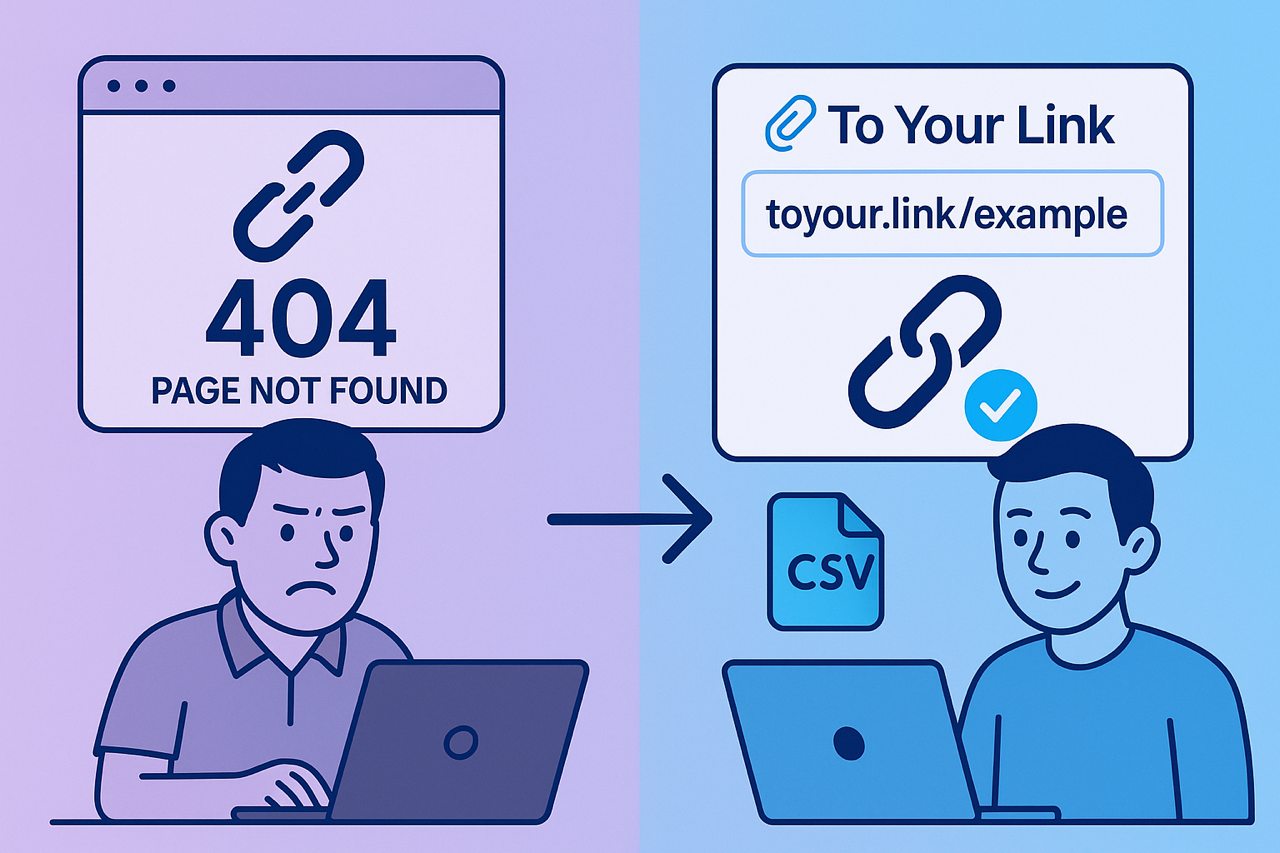
In the ever-evolving digital landscape, content changes, websites get restructured, and pages sometimes disappear. This can lead to a frustrating problem known as "link rot" – where links that once led to valuable information now point to dead ends, often resulting in a dreaded 404 error. For any business or creator, link rot can mean a poor user experience, lost traffic and opportunities, a hit to your credibility, and wasted marketing efforts. Fortunately, using a dynamic link management platform like To Your Link provides powerful tools to proactively combat this issue and maintain a healthy online presence.
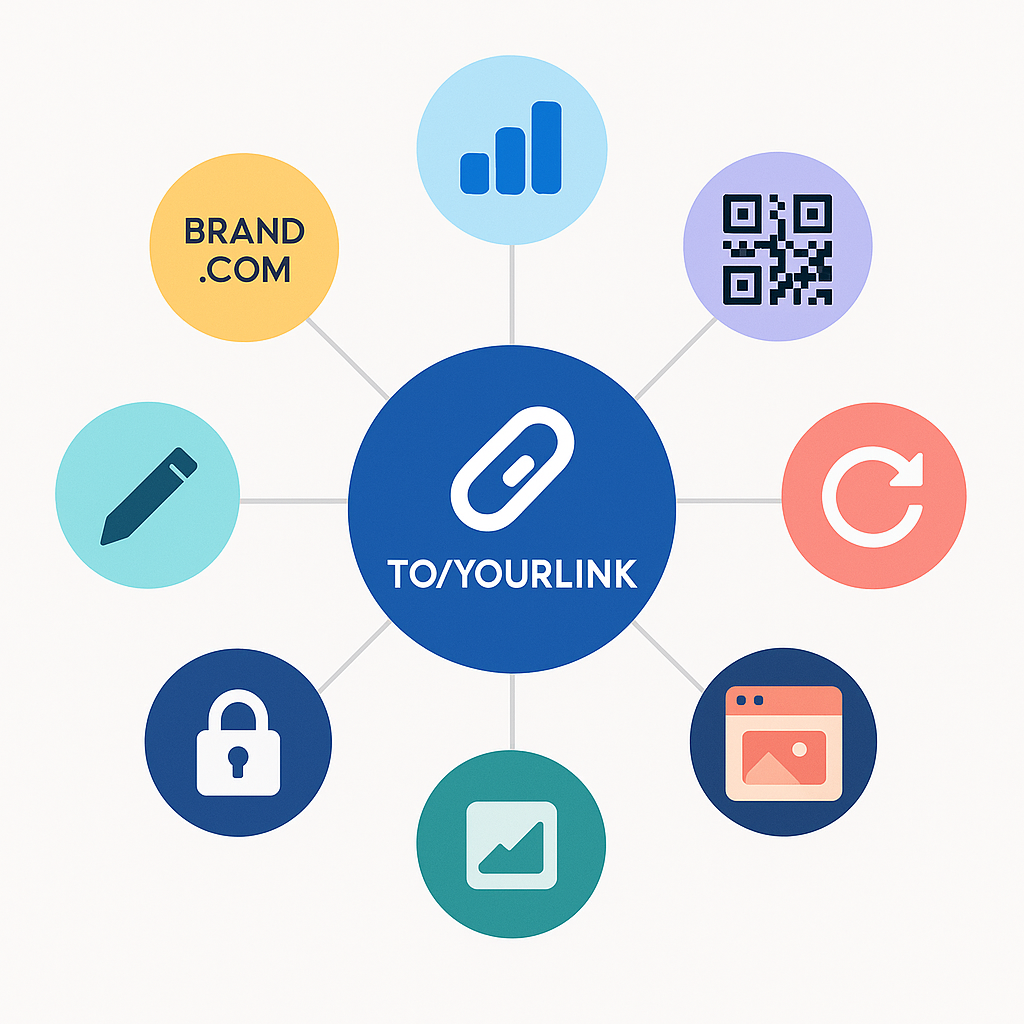
The primary defense against link rot when using To Your Link lies in its fundamental ability to edit the destination of your short links at any time. Unlike static, hardcoded URLs, your To Your Link short URL (e.g., yourbrand.uk/resource-hub) remains constant and shareable. If the underlying webpage it points to moves to a new address, or if you update the content and host it elsewhere, you don't need to hunt down every place you shared the old link. Simply log into your To Your Link dashboard, locate the short link, and update its destination to the new, correct long URL. Your audience continues to use the same familiar short link, seamlessly redirected to the current content.
Proactive monitoring and good link hygiene also play a crucial role. While To Your Link itself may not directly detect if a destination page goes offline, your analytics can offer clues. A sudden drop in engagement or conversions from a previously high-performing link might indicate an issue with the destination page, prompting you to investigate. Furthermore, as discussed in our post on link lifecycle management, regularly reviewing your link portfolio and archiving or disabling links that point to genuinely outdated or permanently removed content is essential. This prevents users from even attempting to access resources that no longer exist via your short links.
While editing the destination is your main tool, consider how other To Your Link features can support this. For instance, if you know a page is going to be temporarily unavailable or is undergoing a major update, you could briefly redirect its short link to a custom Splash Page created within To Your Link, informing users with a message like, "This content is being updated! Please check back soon or visit our homepage." This provides a much better user experience than a stark error page. The key is the active control To Your Link gives you over where your links point, ensuring you can always guide your audience effectively, even when your digital content shuffles.
Are you taking proactive steps to prevent link rot and ensure your shared links always deliver value?
Make it a habit to review your key link destinations and utilize the powerful editing and management features within To Your Link. Maintain a healthy, trustworthy, and effective digital presence by ensuring your links always lead to the right place. Log in today and take control of your link integrity!