

As you actively use To Your Link to power your marketing campaigns, share content, and connect with your audience, your collection of short links will naturally grow. Over time, some of these links – tied to past promotions, outdated content, or temporary events – may no longer serve their original purpose. Letting these inactive links accumulate can clutter your dashboard, make it harder to find your current active links, and even risk users inadvertently accessing irrelevant information. Effective link lifecycle management, including disabling or archiving old links, is key to maintaining an efficient and professional link portfolio.
Think of it as good digital housekeeping. Regularly reviewing and managing your older or inactive links offers several benefits. Firstly, it keeps your primary To Your Link dashboard cleaner and more focused, allowing you to quickly access and analyze the links that are currently most important to your strategy. Secondly, it prevents users from clicking on a link that leads to an expired offer, an old version of a document, or a page that no longer exists, which can create a poor user experience and reflect negatively on your brand. By ensuring that only relevant links are active, you maintain control over the information your audience accesses through your shared URLs.
To Your Link, built on a versatile link management platform, provides you with the tools to manage this lifecycle effectively. While specific terminology might vary, you typically have options to:
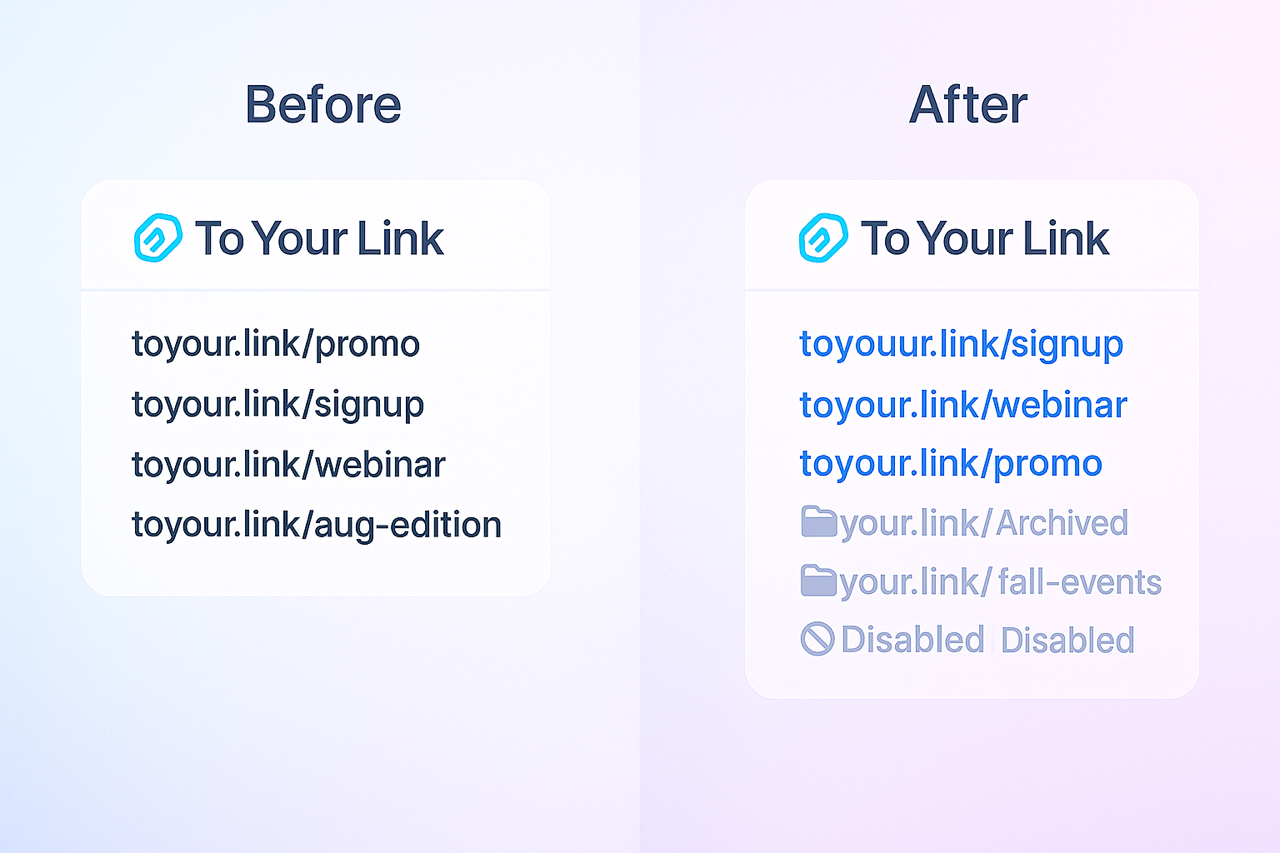
- Disable a Link: This action will usually stop the short link from redirecting to its original destination. Instead, users clicking a disabled link might see a custom message (if configurable) or a standard "link inactive" page. The link and its associated analytics often remain in your account for record-keeping but it's no longer actively routing traffic.
- Archive a Link: This function might move the link from your main active list to a separate "archived" section. This greatly declutters your primary view while still preserving the link and its historical data, should you need to refer to it or potentially reactivate it later.
Strategically disabling or archiving links should be part of your regular link management routine. When a specific marketing campaign concludes, when a piece of content is permanently retired, or when a limited-time offer expires (and you haven't used automatic link expiration), take a moment to update the status of the associated short link in your To Your Link dashboard. This proactive approach ensures your active link portfolio is always current, your analytics reflect relevant activity, and your audience consistently receives the right information. This level of control is fundamental to leveraging To Your Link as a truly professional and efficient marketing tool.
Is it time for a spring clean of your short link collection?
Take a few moments to review your older links in To Your Link. Utilize the disabling or archiving features to keep your dashboard organized and ensure your active links are always leading your audience to the right place. Log in today and streamline your link portfolio!